
Figma has evolved beyond a designer-only tool into a unified platform connecting design, presentations, marketing, ideation, and development; enabling whole-team collaboration and project consistency.
Despite being perceived as a tool primarily for designers, Figma has evolved into a platform that can assist the entire team across different roles. Bringing design, presentations, marketing, ideation, and development into one platform is what allows teams to collaborate effectively and maintain consistency throughout a project.
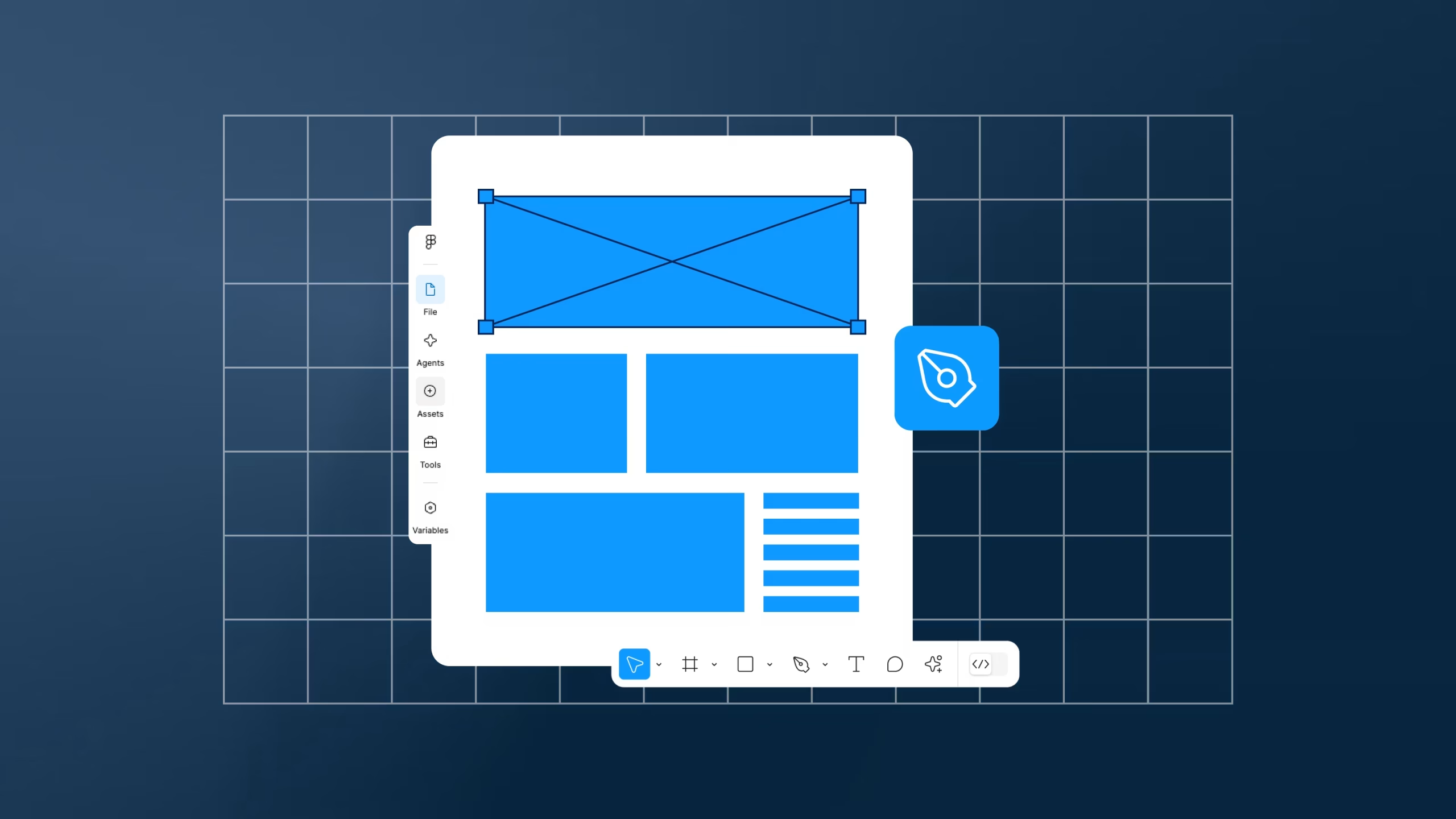
The core workspace of the platform is Figma Design, which is best suited for designers. It’s where designing and prototyping happens all in one place. There are a lot of important features such as components, variables, creating and sharing libraries, prototyping design elements, just to name a few. A big aspect of Figma Design is the collaborative nature that the platform creates. Multiple people can work within the same design file at once, making it simple to receive feedback, leave comments, and make updates in real time.
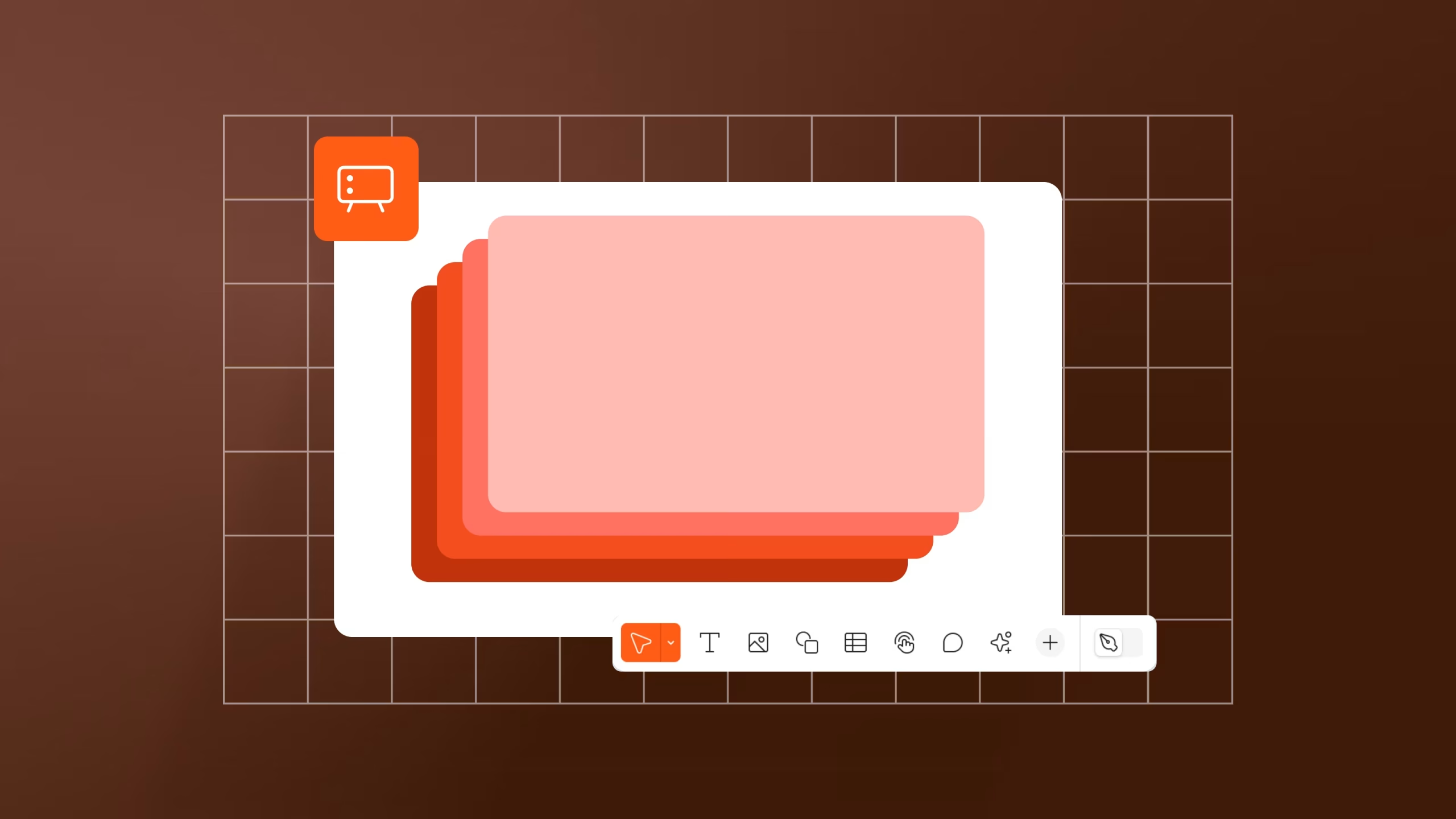
Figma has expanded throughout the years, with new products aimed at different professionals and creatives. Figma Slides, for example, helps create and share presentations in a clear and structured way, whether internally or with clients.
The interface and the default ‘Slides Mode’ workspace makes it accessible to use regardless of the user’s skill level. A few unique features which Figma Slides has are the live interaction tools, the presenter notes, and animating objects on a slide. There is also a spotlight feature that makes it effortless to show and let others follow where the presenter is within the presentation. These features combined are great for presenters to interact with an audience/client while keeping a professional presentation.
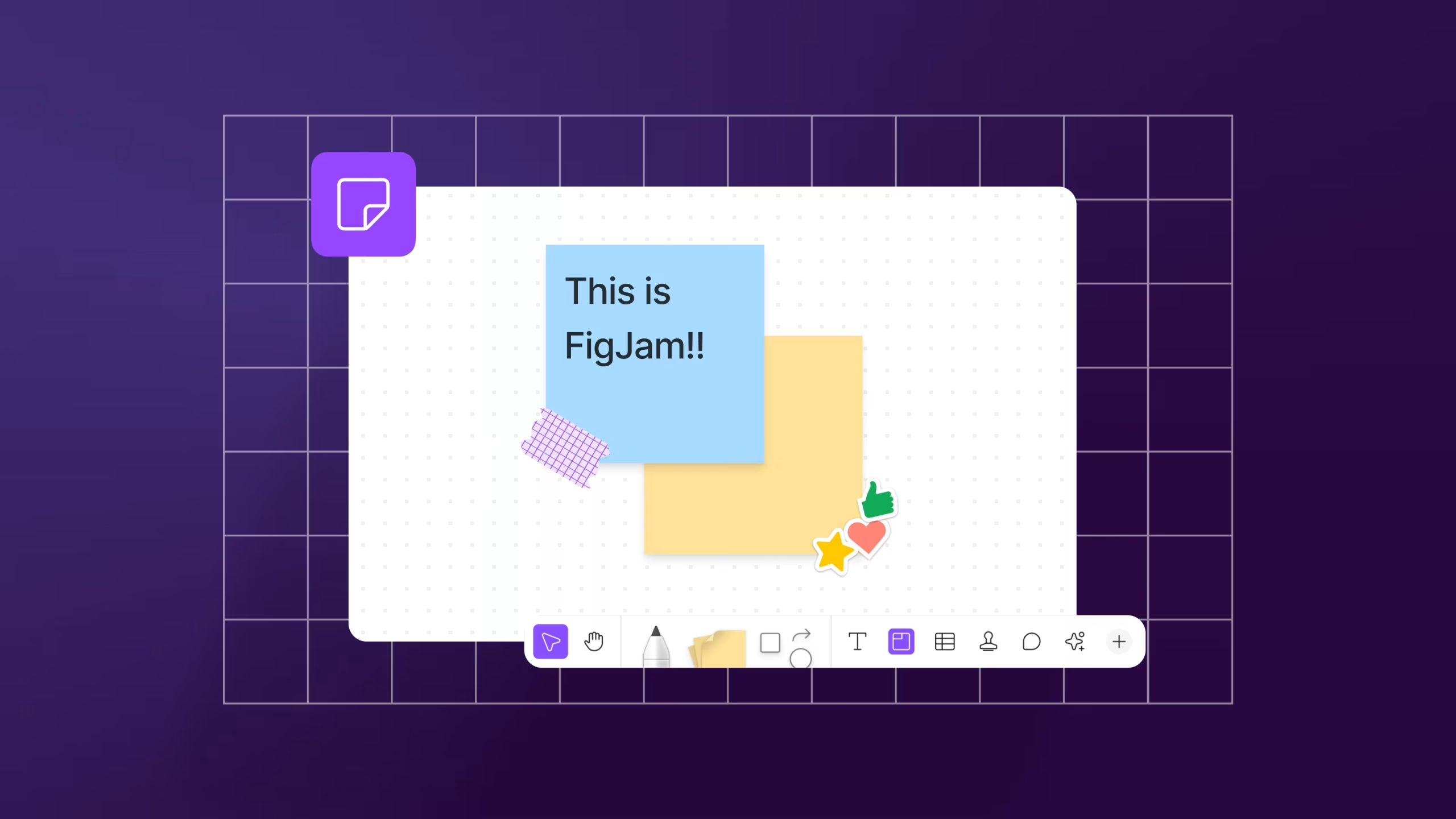
A great tool for ideation and brainstorming is FigJam files which are online whiteboards. Anyone can use this tool including corporate teams, educators, students, designers, project managers. Users often use this tool for planning, researching, creating ideas and diagramming.
Some interesting features from this tool are the infinite canvas and built-in templates for starting points. FigJam makes collaborating more fun with voting sessions, stamps, emotes and stickers.
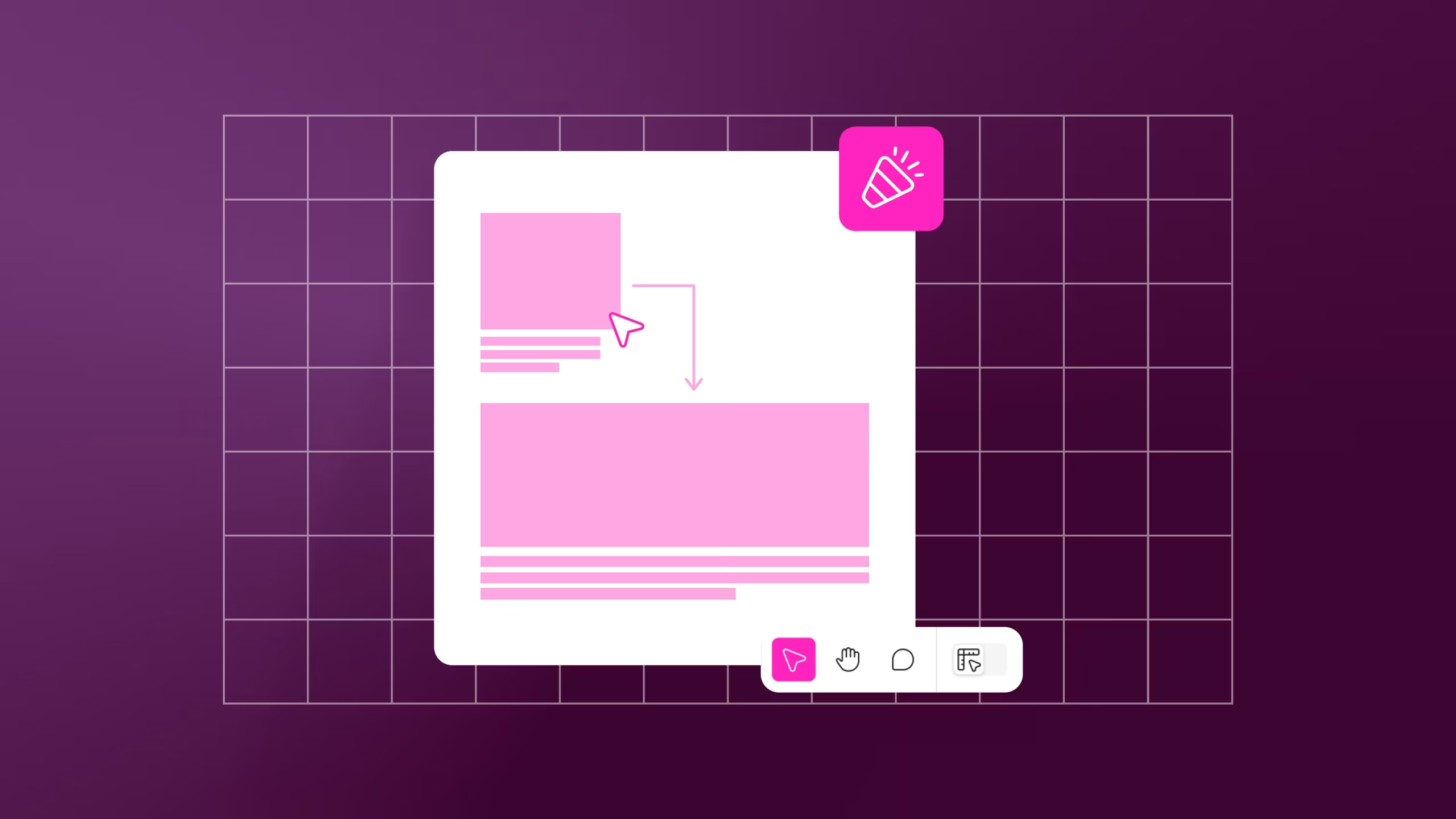
A new addition to the platform has been Figma Buzz, which is currently still in beta. Buzz was designed to help teams produce on-brand assets at scale. Allowing marketing teams, as well as other staff members, to create content that is following an established brand guideline.
Designers will often create the initial templates that allow other team members to complete smaller design tasks independently while maintaining consistency. A particular unique feature of Figma Buzz includes is the controlled ‘focused editing’ mode where only pre-approved elements that designers have created can be edited. This makes sure consistency is kept across all assets. Whether creating social media posts, digital ads, event materials or promotions, Buzz also allows users to easily resize assets thought the ‘Change Layout’ button. For example changing the size of a post from an Instagram square post (1080px × 1080px) to an Instagram story (1080px × 1350px) size.
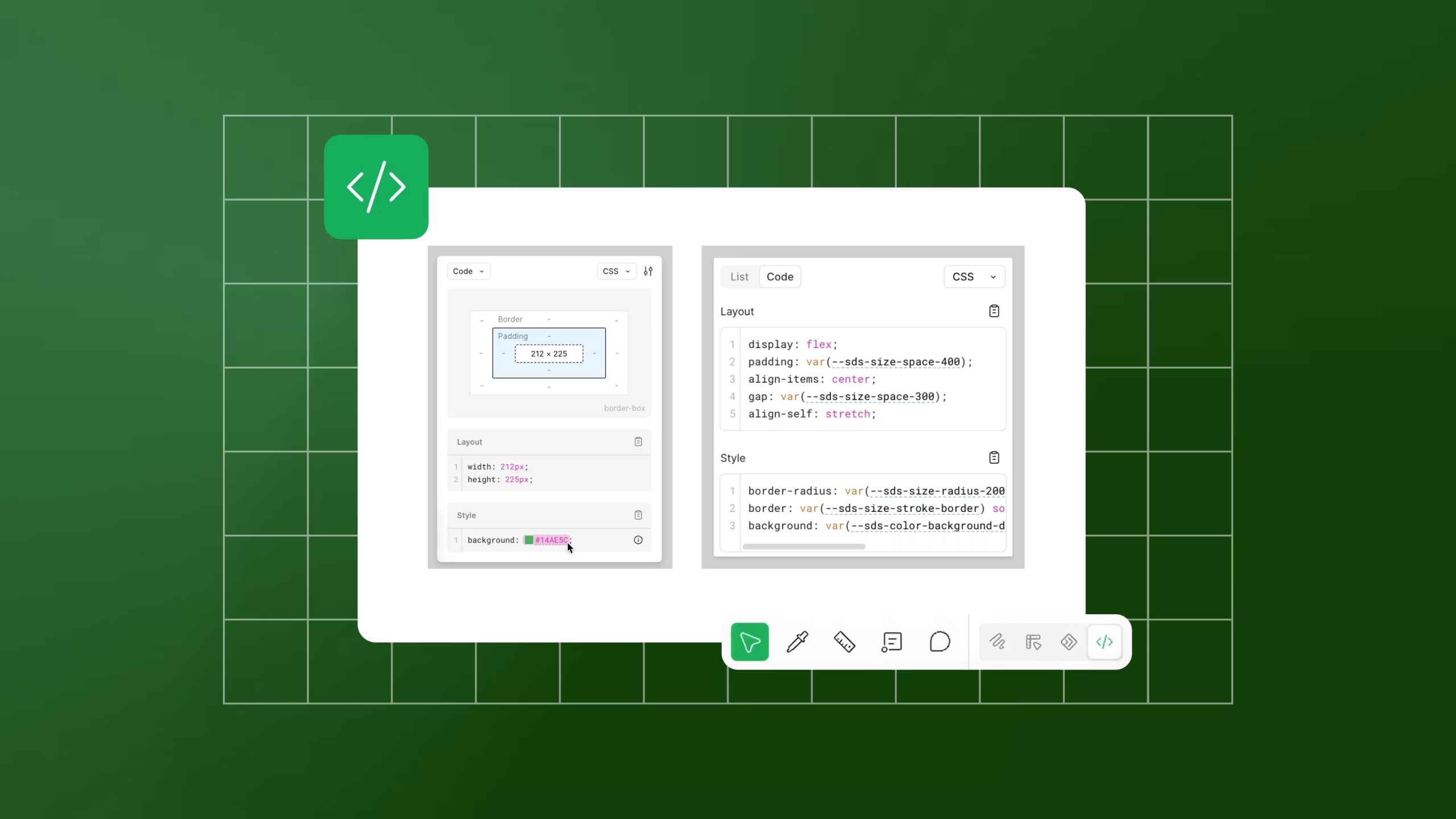
For developers, Dev Mode plays a key role in translating designs into code. Where traditionally handling design over to developers could cause misunderstandings, Dev Mode simplifies the process by translating design files into code ready specifications.
Developers can explore different component variations and properties without altering the original design, making it easier for them to understand the structure of a design. Designers are also able to add and categorise annotations in order to provide more context. This is really useful in helping bridge the gap between design and development, making handoffs more efficient.
Figma continues to evolve into becoming much more than just a design tool. Some newer products are Figma Make, which is an AI tool transforming text prompts into functional prototypes. It can also turn static UI design into interactive design. Figma Weave is also an AI tool for generating and editing imagery, video, and audio. Figma Motion allows designers to animate directly in the design file. It includes a timeline editor bar with auto key framing and manual controls. By using Figma to connect workspaces for multiple disciplines, entire teams can work more efficiently and deliver consistent outcomes.
More Articles


![What the Webfont August 2025 [Blog Banner 16_9]](https://adao.co.uk/wp-content/uploads/2025/07/What-the-Webfont-August-2025-Blog-Banner-16_9-1024x576.png)
![The Power of Local SEO [Blog Banner 16_9]](https://adao.co.uk/wp-content/uploads/2025/07/The-Power-of-Local-SEO-Blog-Banner-16_9-1024x576.png)


In order to have the best experience, please update your browser. If you choose not to update, this website may not function as expected. Clicking the button below will help you to update your browser.
Update Your Browser Continue Without Updating